
Payroll Automation Explained: Benefits, Features & Best Practices for Modern Businesses
Payroll is the one process that must be right, on time, every time. It is also the process most often held together by a spreadsheet, a long-tenured employee who knows where the bodies are buried, and a tense week at the end of every month.
Payroll automation is not about removing the person. It is about removing the re-keying, the reconciliation, and the single points of failure around them.
What automation actually removes
The manual work in payroll is rarely the calculation. It is everything that feeds it: pulling attendance, checking who was on unpaid leave, chasing a manager about overtime, applying a mid-month joiner’s pro-rata, and re-keying the result into a statutory filing.
Automation means those inputs arrive already reconciled. When attendance and leave live in the same system as payroll, a pay run becomes a review rather than a rebuild.
Compliance is the hard requirement
For Indian organisations, a payroll system that cannot handle provident fund, ESI and TDS is not a payroll system — it is a calculator with a spreadsheet attached. Statutory rules change, thresholds shift, and the penalty for getting it wrong lands on you, not your vendor.
Look for statutory handling built into the pay run itself, with the filings and reports produced from the same data. Anything that requires a separate export is a reconciliation step you will eventually get wrong under deadline.
Features that matter
- Salary structures that handle real complexity — multiple components, variable pay, bonuses — without a parallel spreadsheet.
- Attendance and leave integration, so unpaid days and overtime reach payroll without an export.
- Statutory compliance for PF, ESI and TDS as part of the run, not bolted on after.
- Payslips and self-service, so employees answer their own questions rather than emailing HR. See employee self-service.
- Full-and-final settlement connected to offboarding, so exits don’t become a manual reconstruction.
- Payroll reports that reconcile against headcount and cost centres.
- An audit trail covering who changed what, when, and who approved it.
The errors automation prevents
Most payroll errors are not arithmetic. They are timing and transcription: a resignation processed after cut-off, a leave adjustment that never reached the sheet, a bank detail updated in one place but not the other, a component applied to the wrong grade.
Every one of those is a handoff between systems. Removing the handoff removes the class of error — which is a more durable fix than checking harder.
Best practices for the move
- Clean your data before migrating. Payroll will faithfully compute nonsense from a bad master record.
- Run at least one parallel cycle. Compare outputs line by line and understand every difference before cutting over.
- Codify your policies explicitly — pro-rata, overtime, unpaid leave. Automation forces decisions that spreadsheets let you fudge.
- Lock your inputs. Automation only helps if attendance and leave close before the run, not during it.
- Give employees self-service from day one. It removes the inbound questions that make payroll week miserable.
- Keep a rollback plan for the first two cycles. Confidence is earned, not configured.
What good looks like
A mature payroll process is boring. Inputs close on a known date, the run produces a reviewable result, exceptions are visible rather than discovered, statutory filings come from the same data, and employees stop asking HR for their payslip because they can find it themselves.
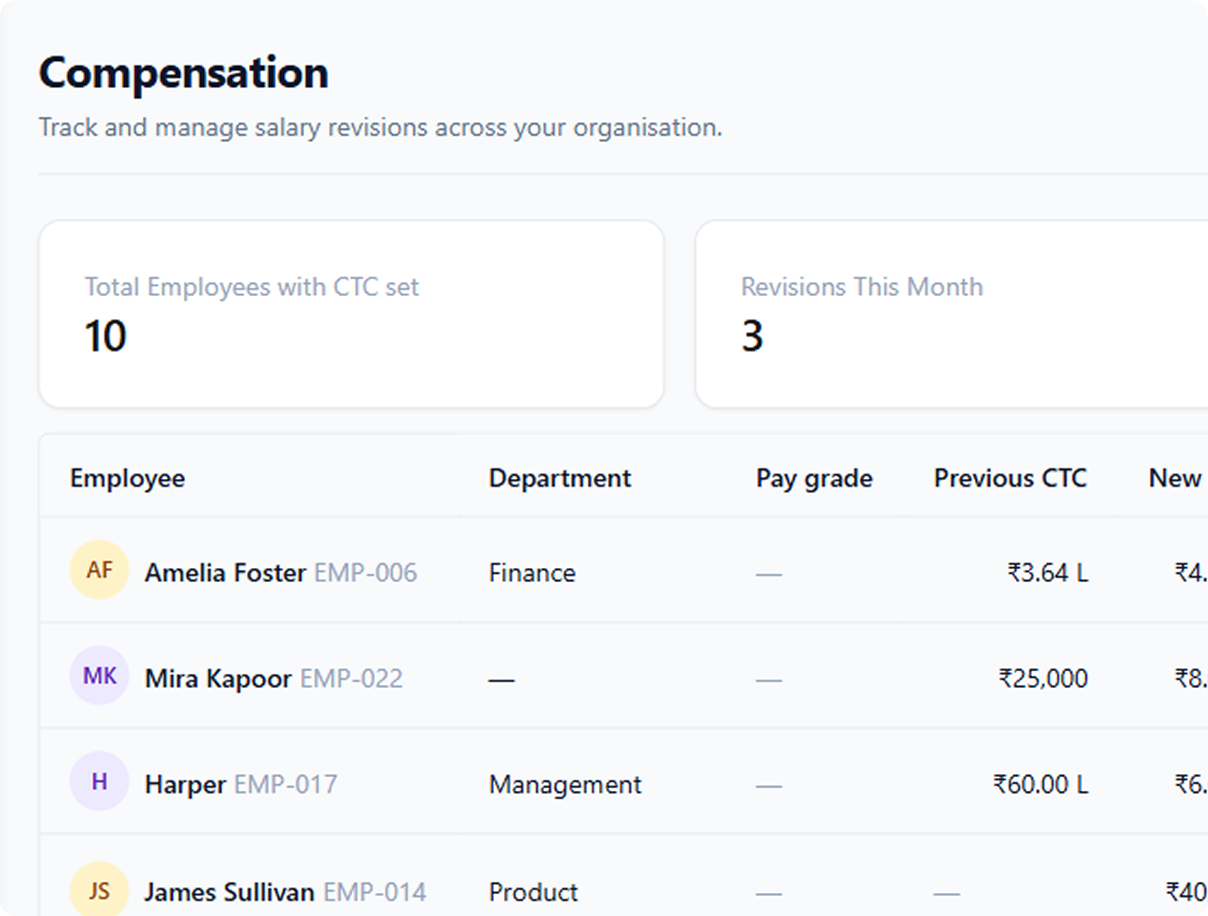
Peyqo’s Payroll & Compensation module works from the same employee record as attendance, leave and employee records, with PF, ESI and TDS handled inside the run. Compare plans on our pricing page, or book a demo to walk through your current process.