
Smarter Time Tracking for Modern Teams
Peyqo simplifies time tracking for employees and gives managers real-time visibility into how every hour is spent across projects, tasks, and daily work.
SIMPLE TIME ENTRY
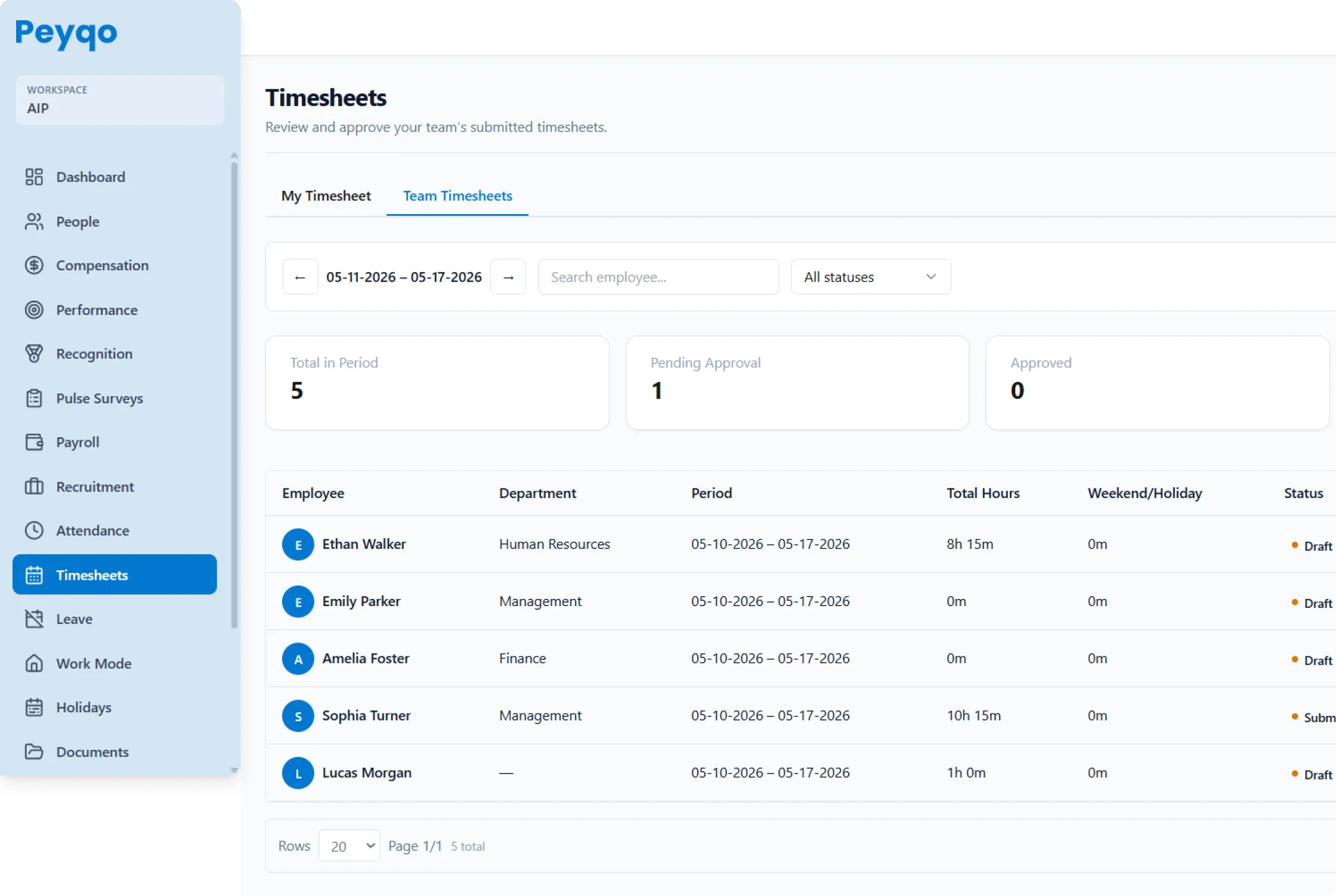
Time Tracking That Takes Seconds, Not Effort
Track work hours with a simple and intuitive timesheet system. Employees can log time by project or task using weekly and monthly views.
PROJECT & TASK-BASED TRACKING
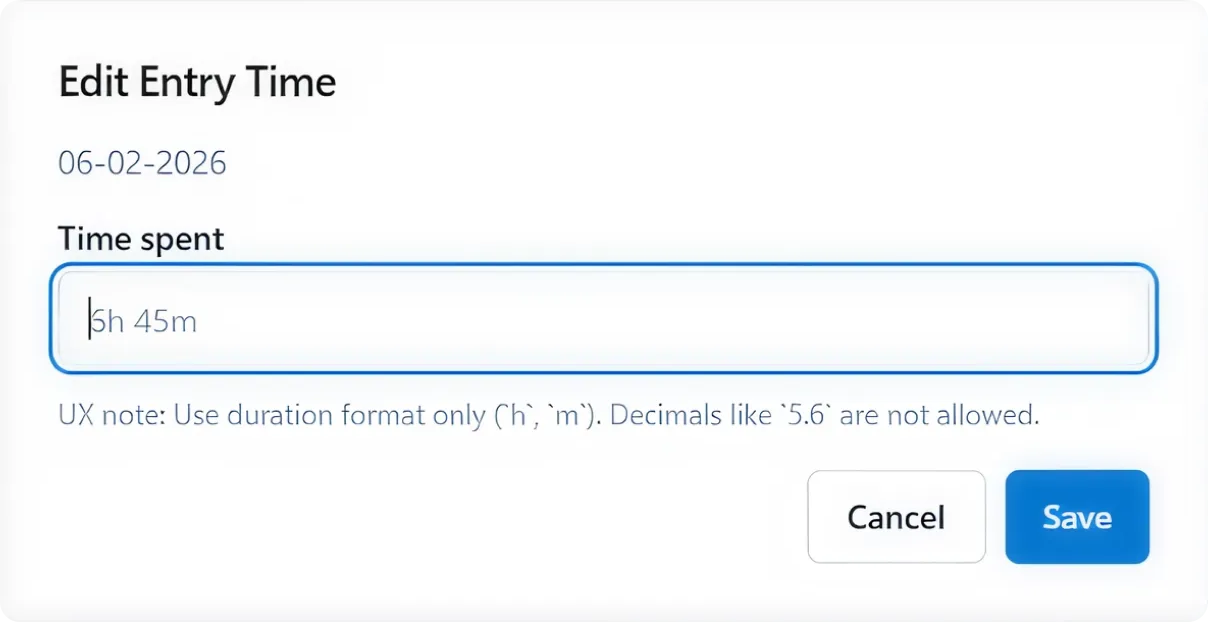
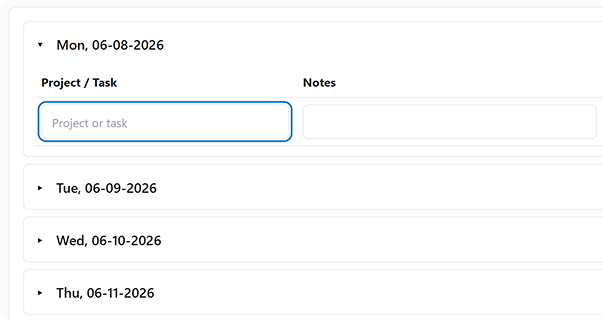
Smarter Time Tracking With Complete Project Visibility
Track time by project and task to understand where hours are spent, monitor workloads, optimize resources, and stay aligned with projects.
MANAGER REVIEW & APPROVAL
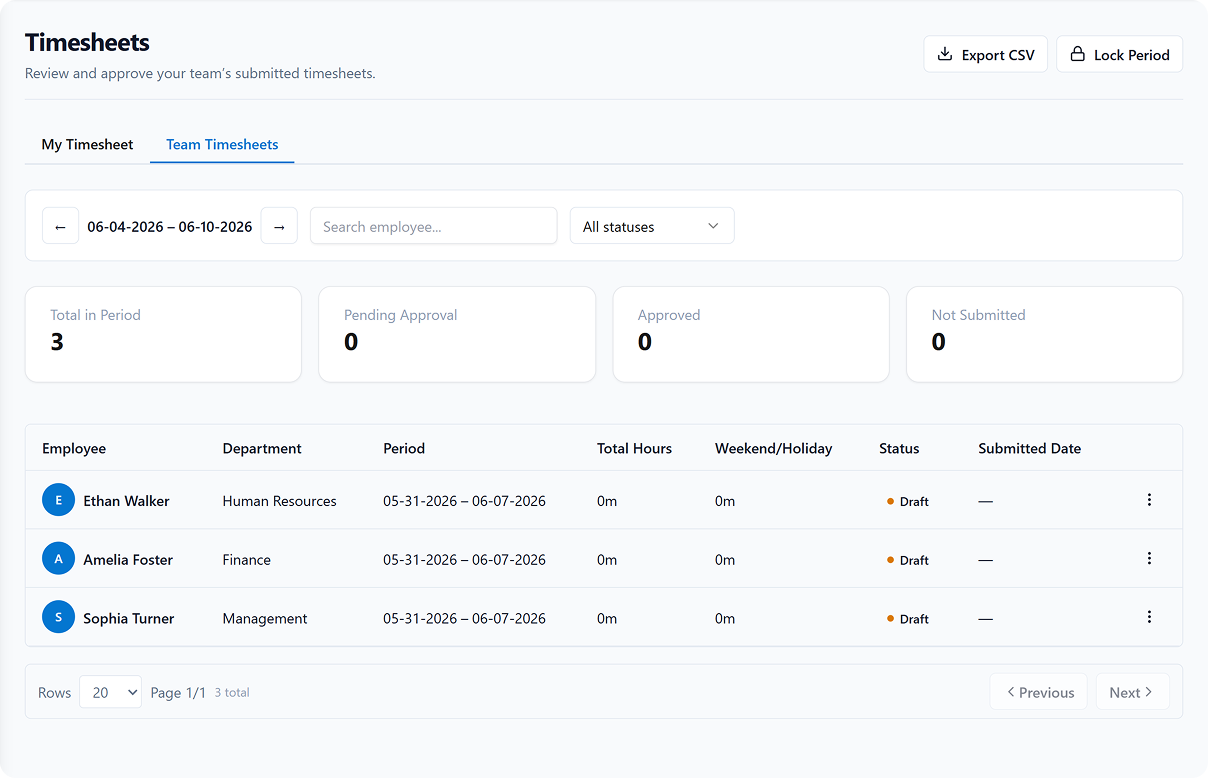
Turn Timesheet Data Into Operational Intelligence
Generate reports on how time is spent by employee. Understand utilization rates, plan capacity, and get accurate time summaries.
Frequently Asked Questions
Can employees track time against specific projects and tasks?
Yes. Every entry is recorded against a project and task, so hours are attributable rather than a lump sum at the end of the week. Regular, weekend and holiday hours are tracked separately, and managers can review them employee by employee.
Do timesheets have to be filled in manually?
No — you can do either. Employees can run a timer while they work or add entries manually afterwards, and copy previous entries for recurring work. Capturing time as it happens is what removes the Friday-afternoon guesswork.
How do managers review and approve timesheets?
Timesheets move through a draft, submit, approve or reject workflow. Managers work from a centralised team dashboard with weekly and monthly views, so approvals happen in one place instead of over email.
Can timesheet data be exported for payroll or client billing?
Yes. Weekly and monthly team reports export to CSV and PDF, and the same records feed payroll. The hours you bill and the hours you pay come from one source, so there is nothing to reconcile.
What is the difference between timesheets and attendance in Peyqo?
Attendance records when someone worked; timesheets record what they worked on. Attendance drives payroll and leave, while timesheets drive project costing and utilisation. Both read from the same employee record, so they never disagree.
Ready to Replace Your HR Toolkit With One Powerful Platform?
Join hundreds of organizations that have simplified HR, payroll, and people management with Peyqo.