
The Complete Guide to Human Resource Management Systems in 2026
Most HR teams do not set out to build a patchwork. It happens gradually: a spreadsheet for leave, a separate tool for attendance, a payroll provider who needs a CSV every month, and an inbox where approvals go to die. Each piece works. The seams are what hurt.
A human resource management system (HRMS) is the software layer that closes those seams — one record of every employee, and one place where attendance, leave, payroll, hiring and performance all read from that record. This guide covers what an HRMS includes, how to evaluate one, and how to roll it out without losing your team along the way.
What an HRMS actually is
An HRMS is a single system of record for your people. The definition matters less than the test: when an employee’s information changes in one place, does everything downstream update automatically? If a promotion means editing four systems, you have a bundle of tools, not a platform.
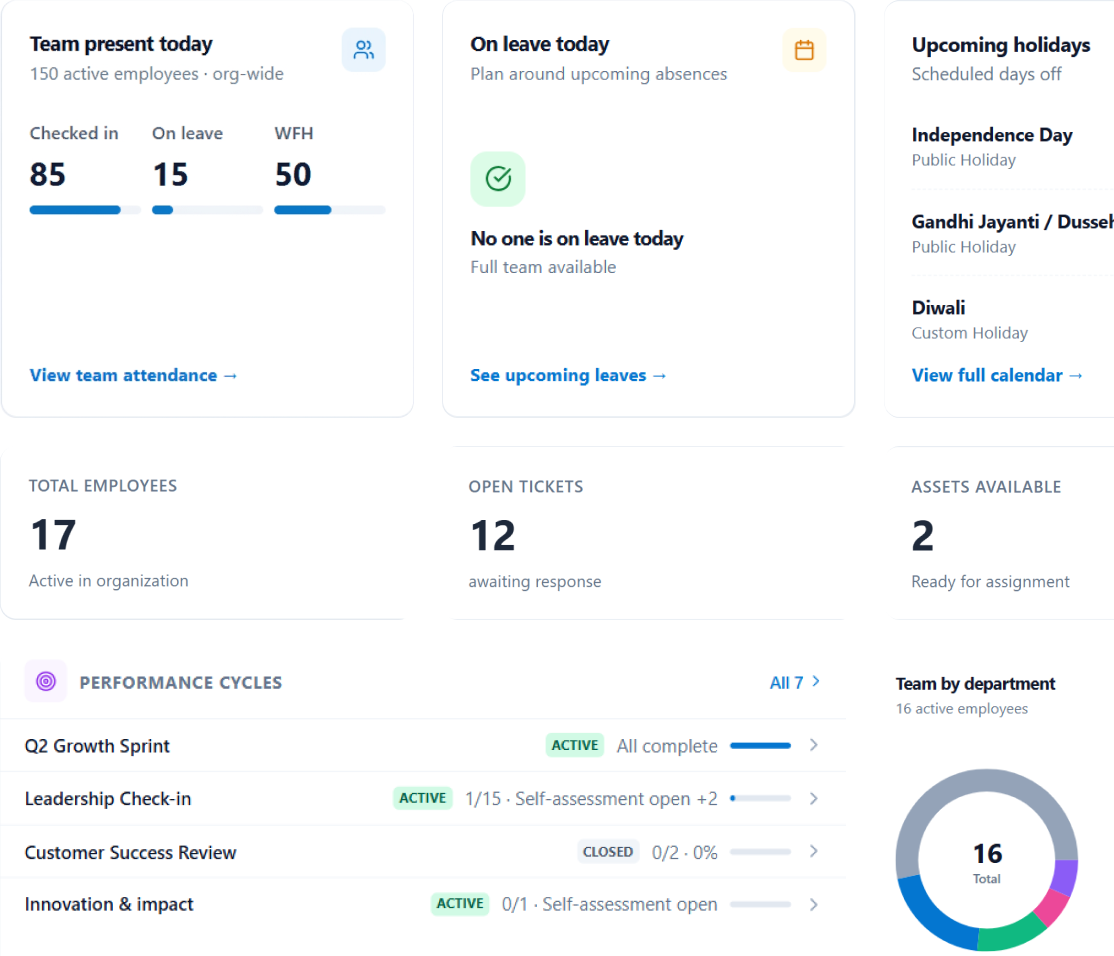
In practice, a complete HRMS covers a predictable set of modules:
- Employee information management — the core employee record: personal details, job history, reporting lines, documents, and an org chart that reflects reality.
- Attendance tracking — who is working, from where, and when, including shifts and regularisation of missed punches.
- Leave management — balances, policies, approvals, and visibility for managers planning around absence.
- Payroll and compensation — salary structures, statutory compliance, and payslips that reconcile with attendance data.
- Hiring and onboarding — requisition to accepted offer, then a structured first day.
- Performance and growth — goals, reviews, and feedback tied to real objectives rather than an annual scramble.
- Approvals — one inbox for every request, so decisions are logged rather than lost in chat.
- Reporting — headcount, utilisation and payroll analytics that read across every module.
Integrated platform vs. a bundle of tools
Vendors often describe themselves as integrated when they mean bundled. The distinction shows up in the boring moments, not the demo. Ask how a mid-month joiner flows from offer to payroll. Ask what happens to leave balances when someone changes departments. Ask who re-keys data when a shift pattern changes.
In a genuinely integrated system, attendance feeds payroll without an export step, offboarding triggers asset return and final settlement together, and the org chart is generated from live employee data rather than maintained by hand. Peyqo is built around that single record precisely so those handoffs disappear.
Compliance is not a feature you add later
For Indian organisations, payroll is inseparable from statutory obligation: provident fund, ESI, TDS, and the leave policies that vary by state and establishment. A system that calculates salaries but leaves compliance to a spreadsheet has moved the problem rather than solved it.
Treat statutory handling as a baseline requirement, not an upgrade. The same applies to audit trails — when a regulator or an auditor asks who approved what and when, the answer should take seconds.
Role-aware access matters more than feature count
The fastest way to kill adoption is to show everyone everything. An employee wants their payslip, their leave balance, and a way to update their bank details. A manager wants their team’s attendance and pending approvals. HR wants the whole picture.
Look for role-based access that shapes the experience rather than merely restricting it. If your employees need training to find their payslip, the system is working against you.
How to evaluate an HRMS
- Map your actual processes first. Buying software to formalise a broken process just makes it faster.
- Test the handoffs, not the modules. Any vendor can demo a clean payroll run; ask to see a correction.
- Check the employee view. Self-service is where most of your licence value is realised — or lost.
- Confirm statutory coverage for your jurisdiction explicitly, in writing.
- Ask what migration includes. Data cleanup is usually the real project.
- Understand pricing as you grow. Per-employee models should not require renegotiation every time you hire.
Planning a rollout people will adopt
The technical migration is rarely the hard part. Sequence the rollout so that early wins are visible: start with the employee record and self-service, because those touch everyone and reduce inbound HR questions immediately. Bring attendance and leave next, since they generate the data payroll depends on. Move payroll once that upstream data is trustworthy.
Run one parallel cycle before you cut over. Communicate what changes for employees in plain language — not a feature list. And give managers a reason to log in that benefits them, or they won’t.
Where to start
If you are evaluating, start from your worst handoff rather than your longest feature list. The module that hurts most is usually the one whose data everything else depends on — which is why employee records and attendance are the typical starting points.
You can see how the modules connect on the People page, compare plans on our pricing page, or book a demo and we will walk through your specific setup.